What's New
 Updated
by
Arianne G.
Updated
by
Arianne G.
The XactAnalysis Quality Review (QR) releases contain new features designed to improve your XactAnalysis experience. Highlights from the releases are listed below. For a complete list of changes, please see the release notes on the eService Centre.
Features marked with an asterisk (*) are controlled by preferences. To enable these features, contact your account manager.
31 August 2022
Bulk Assignment Import updates*
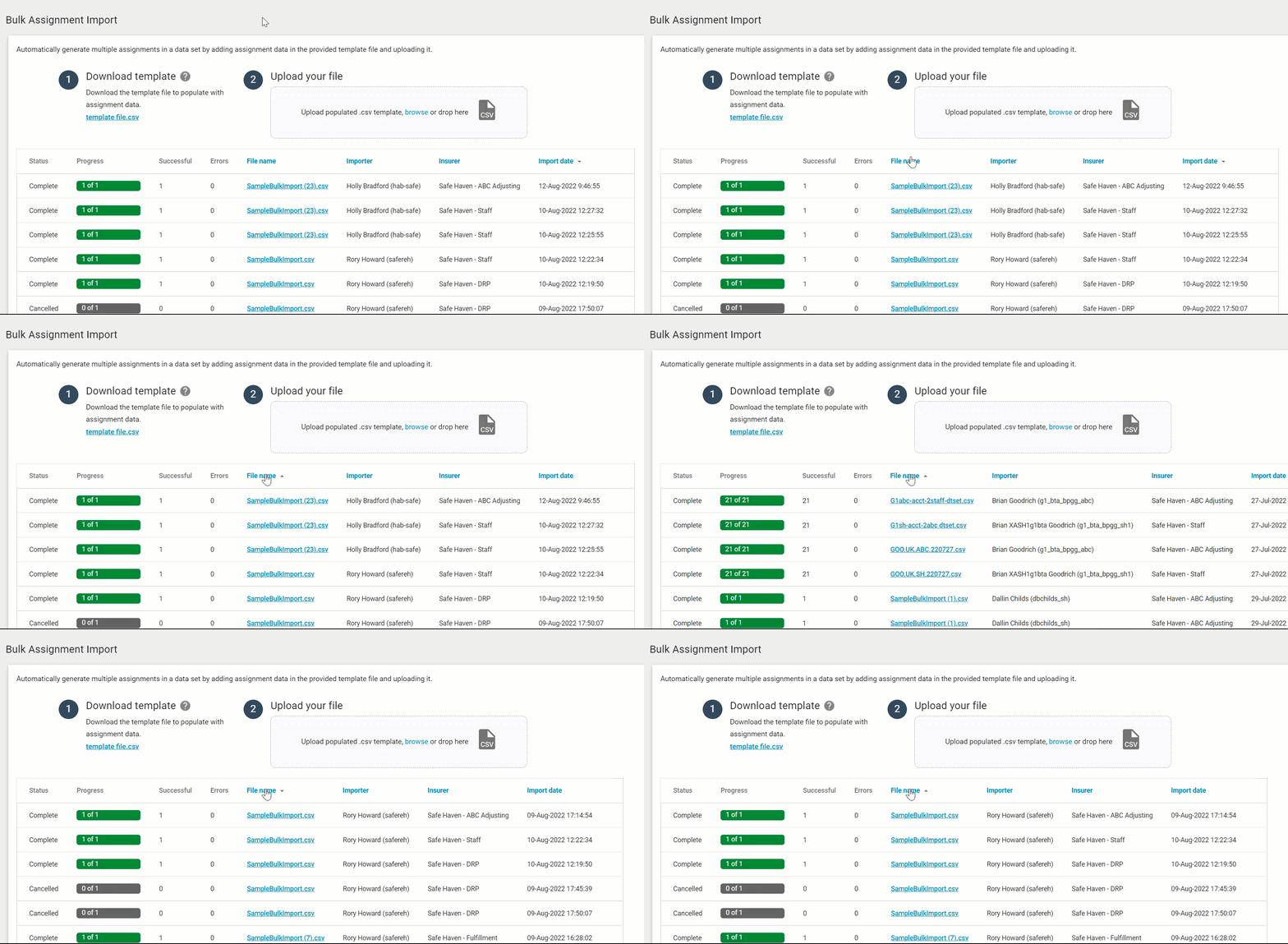
You can now sort the File Name, Importer, Data set, and Import Date columns in the Bulk Assignment Import table! Just click the header name, and the table will update automatically.
Interactive User’s Guide updates
We gave our Interactive User’s Guide a facelift! We made several changes to improve its design, format, and functionality. 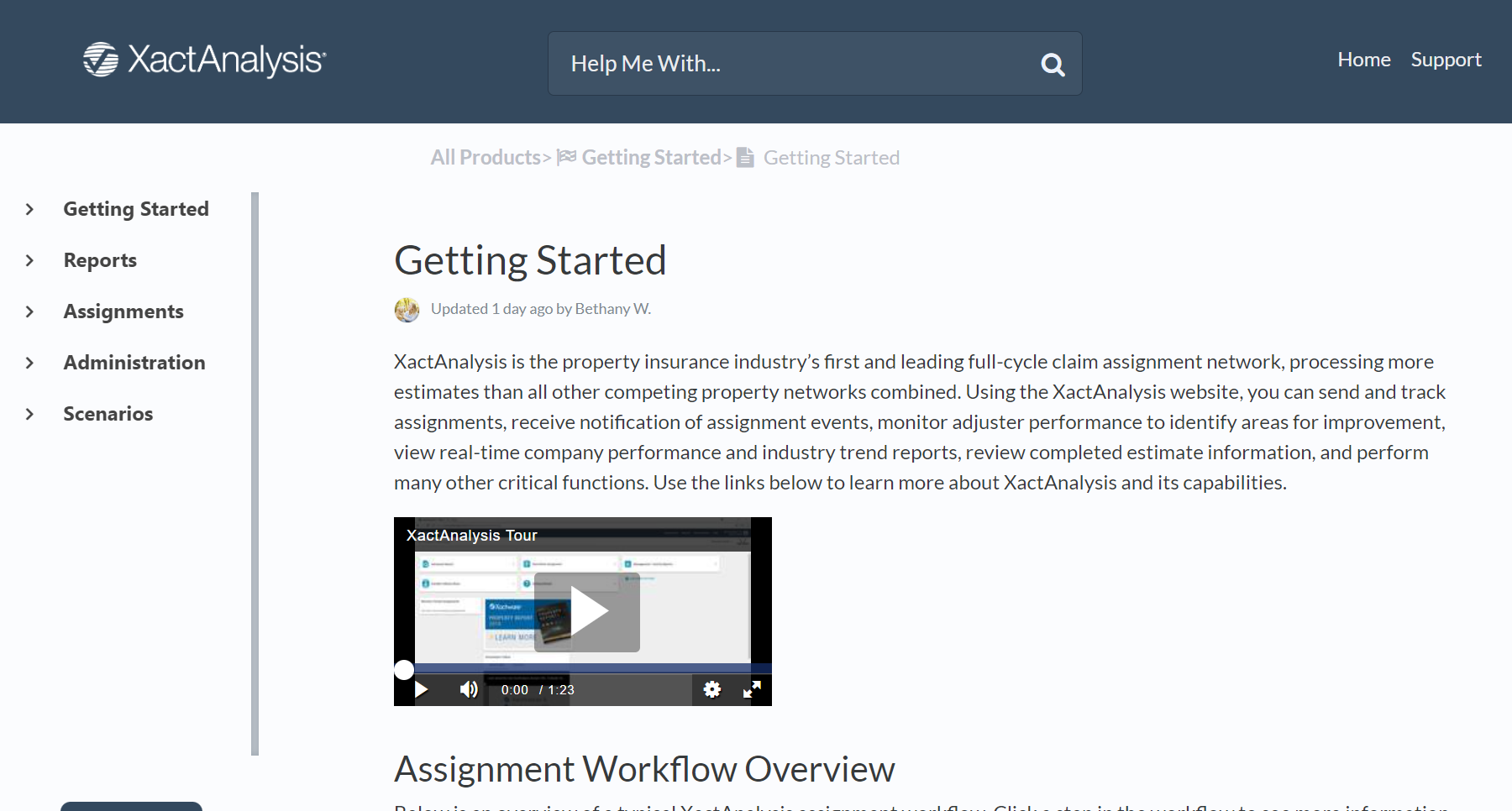
The Interactive User's Guide also has a new URL. If you have any related bookmarks, you’ll need to update them!
Queue Admin updates
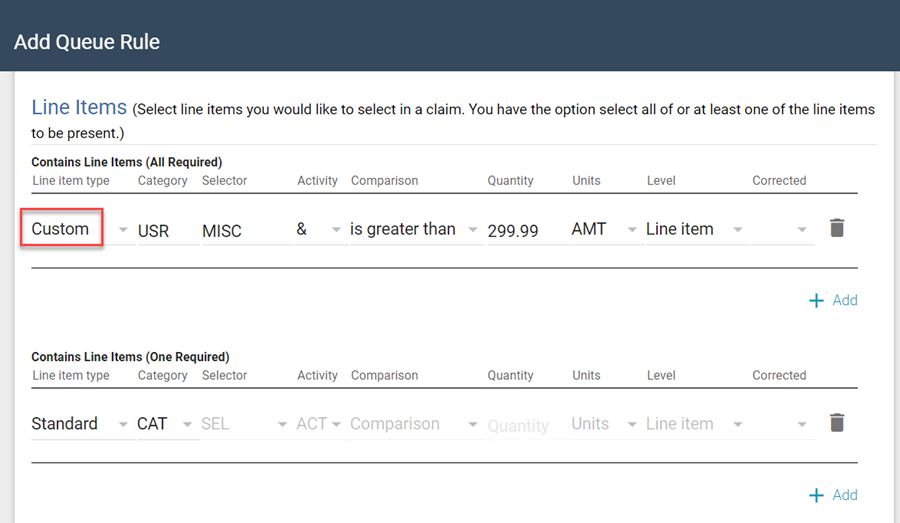
You can now configure Queue Rules that identify custom line items in uploaded estimates and send those estimates to the appropriate queue.
Search updates
We’ve heard your feedback and concerns, and, accordingly, we’ve postponed the retirement of the queues and the Column Admin feature until early 2023. We'll use this extra time to ensure everything you love about these features is incorporated into Search!
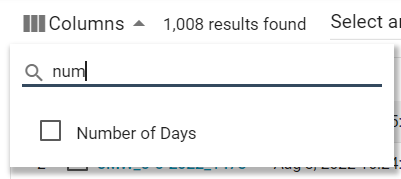
We added the Number of Days column to Search.*
We also added the Cancel Reinspections option to the Select an Action menu.
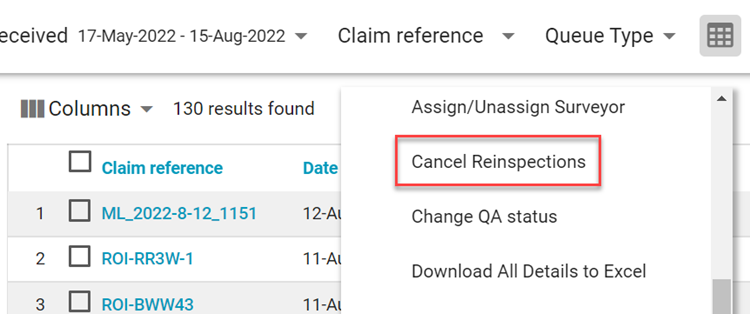
This option allows you to cancel reinspections that are currently assigned to and accepted by a reinspector.
Improvements
- Empty lists on the Define Service Area page no longer include the All checkbox.
- The "Queue Type" label has been updated to "Queue Name" throughout the application.
Previous updates
1 June 2022
1 June 2022
New Bulk Assignment Import feature*
We added a Bulk Assignment Import feature that allows you to upload up to 500 assignments into XactAnalysis at a time. To use this feature, simply download the .csv template file from the page, enter the information for each assignment in the provided columns, and then drag and drop the file back onto the page. Each row in the uploaded file is automatically created as an assignment in XactAnalysis.
Any notes added in the file are uploaded to the assignment's Notes tab in XactAnalysis.
All import records for your account are displayed on the page for six months or until they are deleted manually.
New GIC feature*
We added the View in GIC Viewer option to the Select an Action menu. This allows you to access Geospatial Insurance Consortium (GIC) high-resolution imagery from an assignment.  GIC allows you to compare before and after aerial images of damage to the claim area. You must have a GIC subscription to use this feature.
Helps
We added a survey that appears after you leave the Bulk Assignment Import page.*
Reinspection Queue Map updates
We improved the Reinspection Queue Map. We increased the size of the map on the page, included some new filters, and improved the user interface. You can also now access it with the Map View button in Search.
We added an Assign button that allows you to assign reinspectors to estimates.
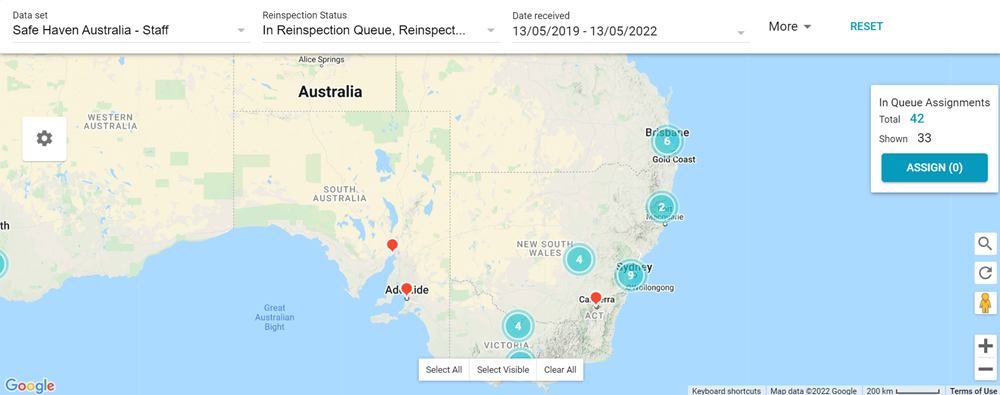
You can now filter the map by Reinspection Status directly from the filter ribbon.
We added a More menu to the filter ribbon that allows you to apply additional filters to the map. The menu includes the following filters:
- State/Province
- Denial Status
- Policy Type
- Type of Loss
- Reinspection Queue Rule
- Test Assignments
- Zip/Postal Code
- Office Levels
- Claim Number
- Assignee
- Reinspector
Search updates
Each of the queues in Search now have their own Read and Unread statuses. For example, when you select a queue from the Queue Type menu and mark an assignment as Read (listed in regular text), it can still appear as Unread (listed in bolded text) in the other queues. This also applies to assignments exported from Search to an Excel file.
We added a Reviewed Automatically filter to Search. This filter allows you to find estimates that were automatically marked as Reviewed due to a program rule. 
When you assign an estimate to an estimate reviewer, surveyor, reinspector, or claim reviewer in Search, the assignee menu now provides your entire list of assignees. This list automatically narrows down your selection based on what you type in the field.
When you try to access the Advanced Search URL, you are now automatically redirected to Search. Additionally, a dialog box appears with an explanation that Advanced Search was retired, and it directs you to helpful guides on this topic. If you have bookmarks set for Advanced Search, you will need to update them for Search.
Improvements
You can now create program rules that automatically mark assignments as Reviewed if they exceed a specified limit. To enable this, create or edit a program rule and select the new Mark assignment as Reviewed check box. When this check box is selected, you can also select a Notify assignee of review completion check box to notify the assignee when the rule is triggered.